
Room assignment
Room assignment picks a free room of the booked type for each reservation, by rules you set, and sends it to your PMS.
Configuration
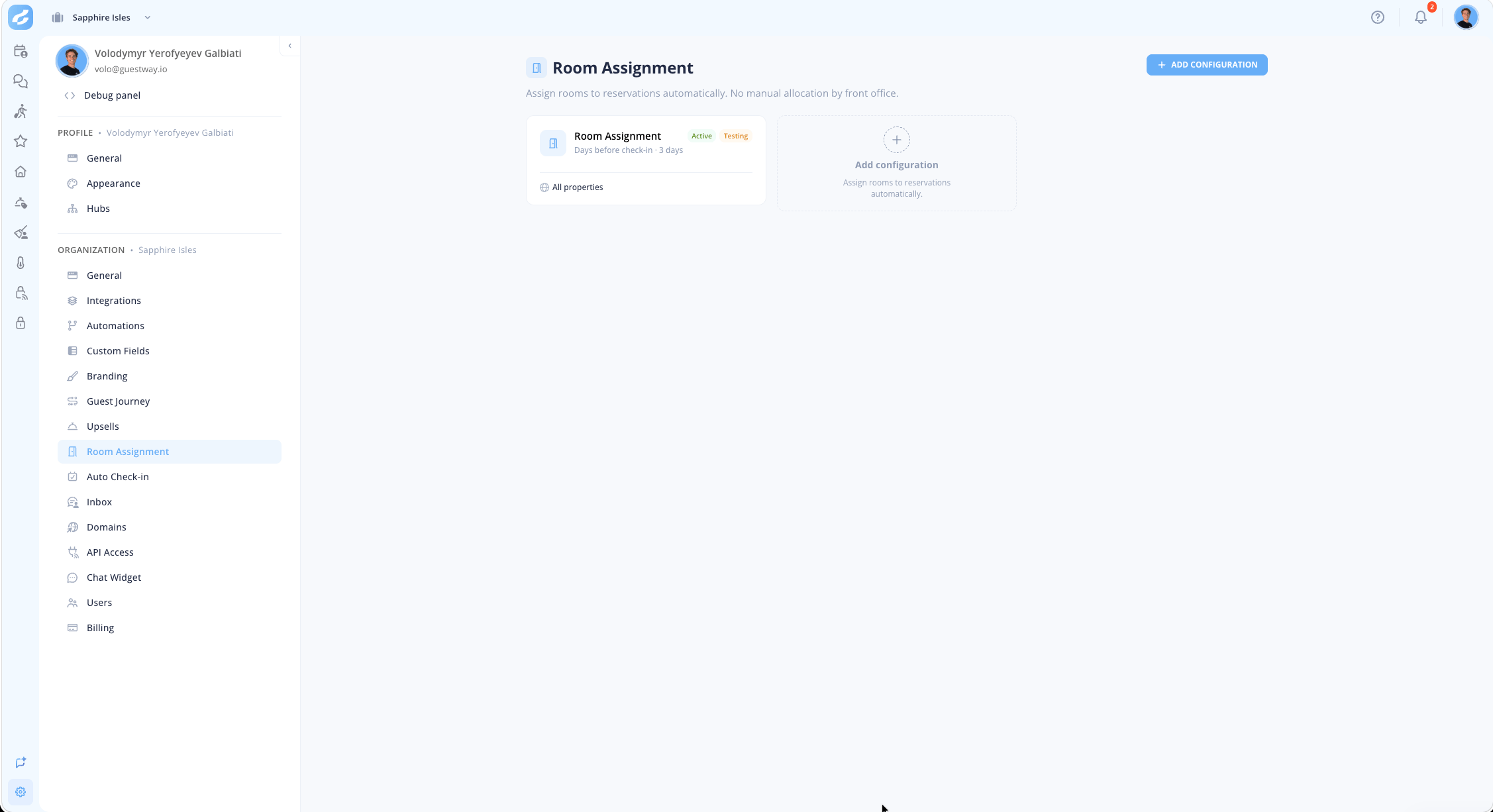
Room Assignment is in Settings. Each configuration is a card with its Name, an Active or Off badge, a Testing badge in testing mode, when the assignment happens and the properties it covers.
Name
The name of the configuration.
Required.
Where this applies
All properties, or specific complexes, multi-units or listings.
Each property or room type belongs to one configuration. The most specific configuration wins: room type, then property, then organization.
Enabled
Turns the configuration on. When off, the card shows Off.
None
Testing mode
Runs the assignment without sending the unit to the PMS.
None
Assignment trigger
On booking confirmation
Immediately when the reservation is confirmed.
None
Days before check-in
A set number of days before the check-in date.
1 to 365 days.
On check-in day
A set number of hours before the allowed check-in time.
0 to 24 hours.
Wait until unit is clean
Holds the assignment until housekeeping marks the unit clean. While waiting, reservations with the earliest check-in times are assigned first.
Only with On check-in day.
Assignment logic
The steps run top to bottom.
Early check-in requirement
A reservation with a booked early check-in is always assigned a ready unit first.
Always first.
Cleaning time needed
Prefers units with enough time for housekeeping between guests: the Preferred minimum cleaning time. Units with enough time all count as an equal fit. Without such a unit, Guestway picks the unit with the most empty time.
1 to 12 hours. A preference, never a blocker.
Placement strategy
How a free unit is chosen after the steps above.
See below.
Best fit (Recommended)
The unit where the stay fits most tightly between bookings, leaving the fewest empty nights.
Least recently used
The unit with the oldest last assignment is filled first, never-used units first. Evens out usage across units.
Completely random
Any available unit of the matching type.
What is always respected
Booked rooms, and rooms blocked in your PMS (out of order, maintenance), are never chosen.
Rooms already sent to the PMS but not confirmed yet are counted, so two guests never get the same room.
Reservations that already have a room, for example one assigned by hand in the PMS, are left alone. Guestway never overwrites a room.
Assignment runs again when the dates, unit type or party size of a reservation change before a room is assigned.
A reservation is picked up when it is confirmed (not cancelled, not a confirmed no-show), booked on a room type without a room, has a check-in date of today or later, and belongs to a property and room type of an enabled configuration.
Changes to a configuration apply to reservations picked up after the change. When a configuration is deleted, its properties fall back to the next configuration that covers them.
Activity messages
Guestway posts short messages in the conversation of the reservation. A click on a message shows the configuration, the room, when the reservation was queued, when the assignment started and ended, and any error of the PMS.
Room assignment started
Guestway is looking, but could not place the guest yet, for example because all rooms are taken or not clean. It keeps trying.
Room assigned
A room was chosen and sent to the PMS. In testing mode, it is marked Testing, and nothing was sent.
Room assignment failed
The PMS did not accept the room. The conversation is flagged.
The started and assigned messages do not mark the conversation as needing a reply.
Related
Multi-calendar: assigned and unassigned reservations.