
About WhatsApp in Guestway
This page explains which WhatsApp setup to choose, and why WhatsApp conversations need templates and a 24-hour window.
Which setup to choose
Guestway uses the official WhatsApp Business Platform of Meta. There are two ways to bring a number into it.
A new, dedicated number is the simplest choice for most setups. It keeps guest messages apart from the personal or team use of WhatsApp, and any number that was never on WhatsApp works, landlines too. You can also move an existing number fully to the platform, but then the WhatsApp app stops working for that number and its chat history stays behind. See How to connect WhatsApp with a new Meta business account.
If your team already chats with guests in the WhatsApp Business app, coexistence lets you keep that app. You connect the same number to Guestway, and you can answer from the phone or from the inbox. The price is a few app features that Meta turns off, and the app must stay in use. See How to connect your existing WhatsApp Business app and the limits on WhatsApp.
How WhatsApp conversations work
WhatsApp protects its users from unwanted business messages. A business cannot write freely to someone who has not written first: it must start with a template that Meta has approved. Once the guest answers, the conversation is open and you can write what you like.
In Guestway, WhatsApp is one more way to reach a guest in the same conversation as their booking messages, emails or SMS. You choose WhatsApp in the reply form, and Guestway fills in the template with the details of the reservation. With coexistence, the messages your team sends from the phone show up in the inbox too, so everyone sees the whole conversation.
A template that invites the guest to answer, for example with a question, works well: the answer opens the conversation, and your team can follow up without another template.
The 24-hour window
Meta's rule is the same for every business on the WhatsApp Business Platform:
You send a template, and a conversation starts.
The guest replies, and a 24-hour window opens.
Within 24 hours of the guest's last message, you can send any message.
After 24 hours without a message from the guest, the window closes, and you need a template again.
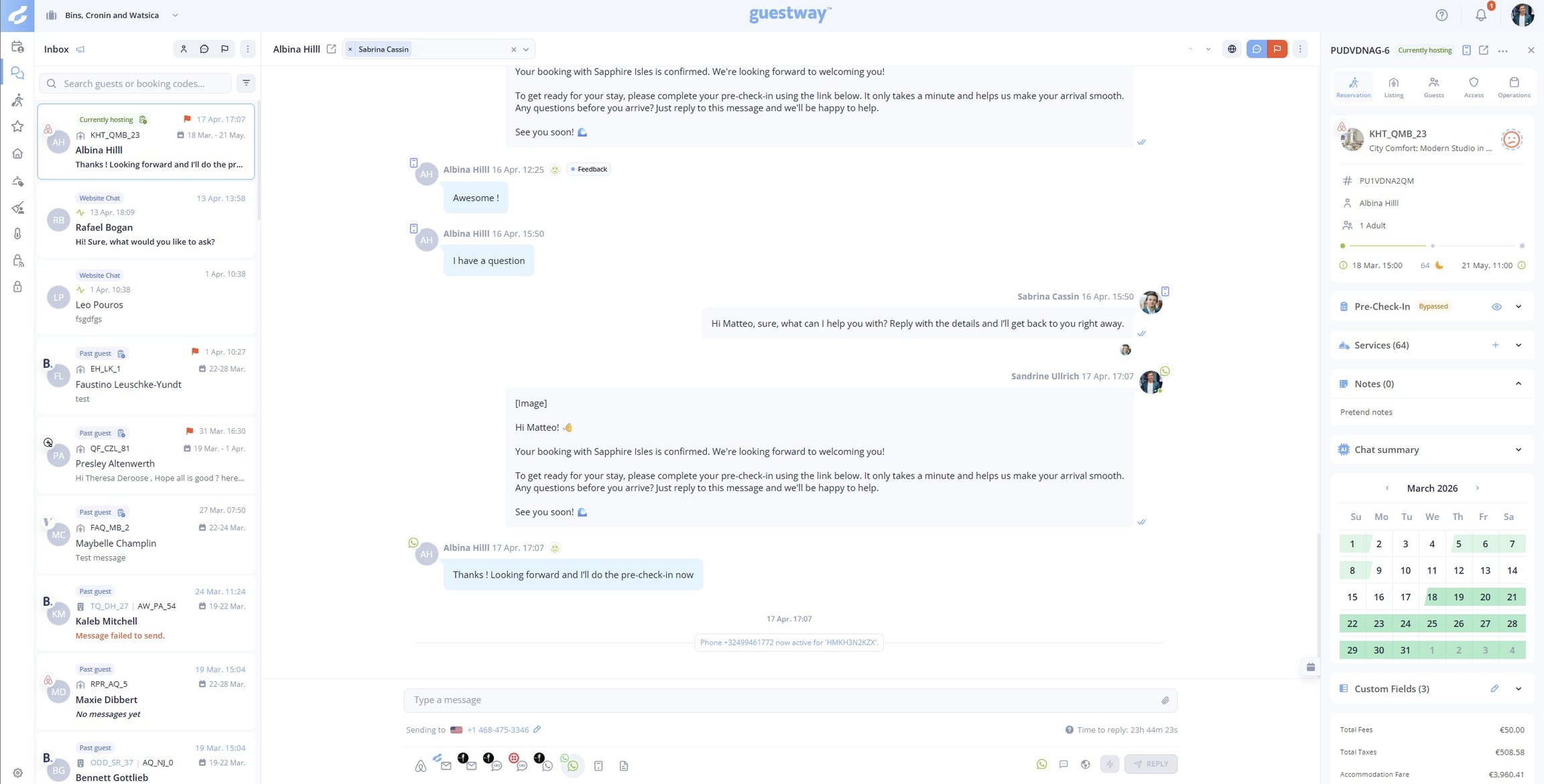
The inbox shows the time that is left in Time to reply:, and WhatsApp templates only when the window is closed.