> For the complete documentation index, see [llms.txt](https://docs.guestway.io/llms.txt). Markdown versions of documentation pages are available by appending `.md` to page URLs; this page is available as [Markdown](https://docs.guestway.io/integrations/online-travel-agencies-ota/about-ota-connections.md).
# About OTA connections
This page explains why you connect your OTAs to Guestway next to your PMS, and what changes when you do.
## Why connect your OTAs
Your PMS already brings the reservations and, for most PMS, the guest messages of Airbnb, Booking.com and Expedia into Guestway. So why connect an OTA as well?
A direct connection lets Guestway talk to the OTA itself, without the detour through the PMS. Depending on your PMS, that brings three things:
* **Faster messages.** Messages arrive and go out faster, often at once.
* **More actions in one place.** Some actions that you did on the PMS or the OTA website before are now in Guestway.
* **More review features.** The review center can do more with the reviews of the OTA.
## A PMS comes first
An OTA connection adds to your PMS. It does not replace it: the listings and the reservations still come from the PMS. That is why Guestway asks a new organization to connect a PMS first, and lists only PMS at that point.
## Direct connections and email connections
Guestway connects to OTAs in two ways.
**Directly**, for Airbnb and Expedia. You allow Guestway access in the OTA, and the two systems talk to each other. Messages are sent and received through the OTA's own connection, not converted from emails.
**By email**, for Booking.com. Booking.com sends its guest emails to a Guestway address, the **Receiving email**. Guestway reads each email, matches it to the reservation, and turns it into a conversation. When you reply, Guestway sends the answer back through Booking.com from `noreply@ota-mail.guestway.io`.
The email way exists for PMS that do not send guest messages themselves, such as Apaleo and Mews. That is why the receiving email is on those integrations. Because Guestway reads the text of the emails, the language of the emails matters: Guestway expects American English, and a different language can stop it from finding the reservation.
The **Forwarding email** is your safety net. Every email that reaches Guestway also goes to your own inbox, so you can always check whether a message arrived at all.
## What changes after you connect
### Airbnb
Once Airbnb is connected, Guestway sends and receives Airbnb messages directly, also when your PMS handled them before. In a conversation, the reply goes through the Airbnb integration first. You see its name when you point at the message medium.
The direct connection also brings:
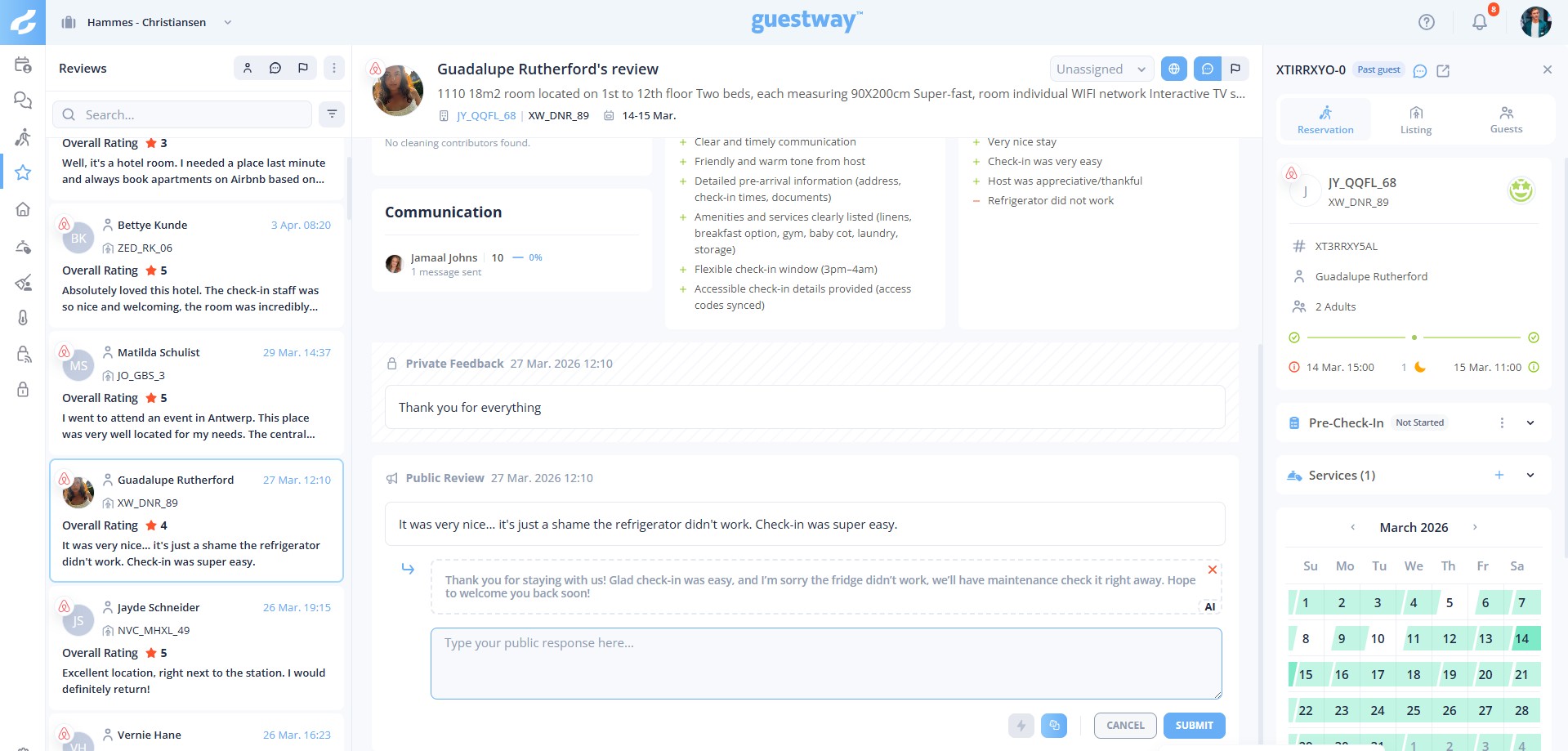
* Replies to guest reviews, and your host reviews of guests, from the review center.
* The photos of the Airbnb listing on the matching listing in Guestway.
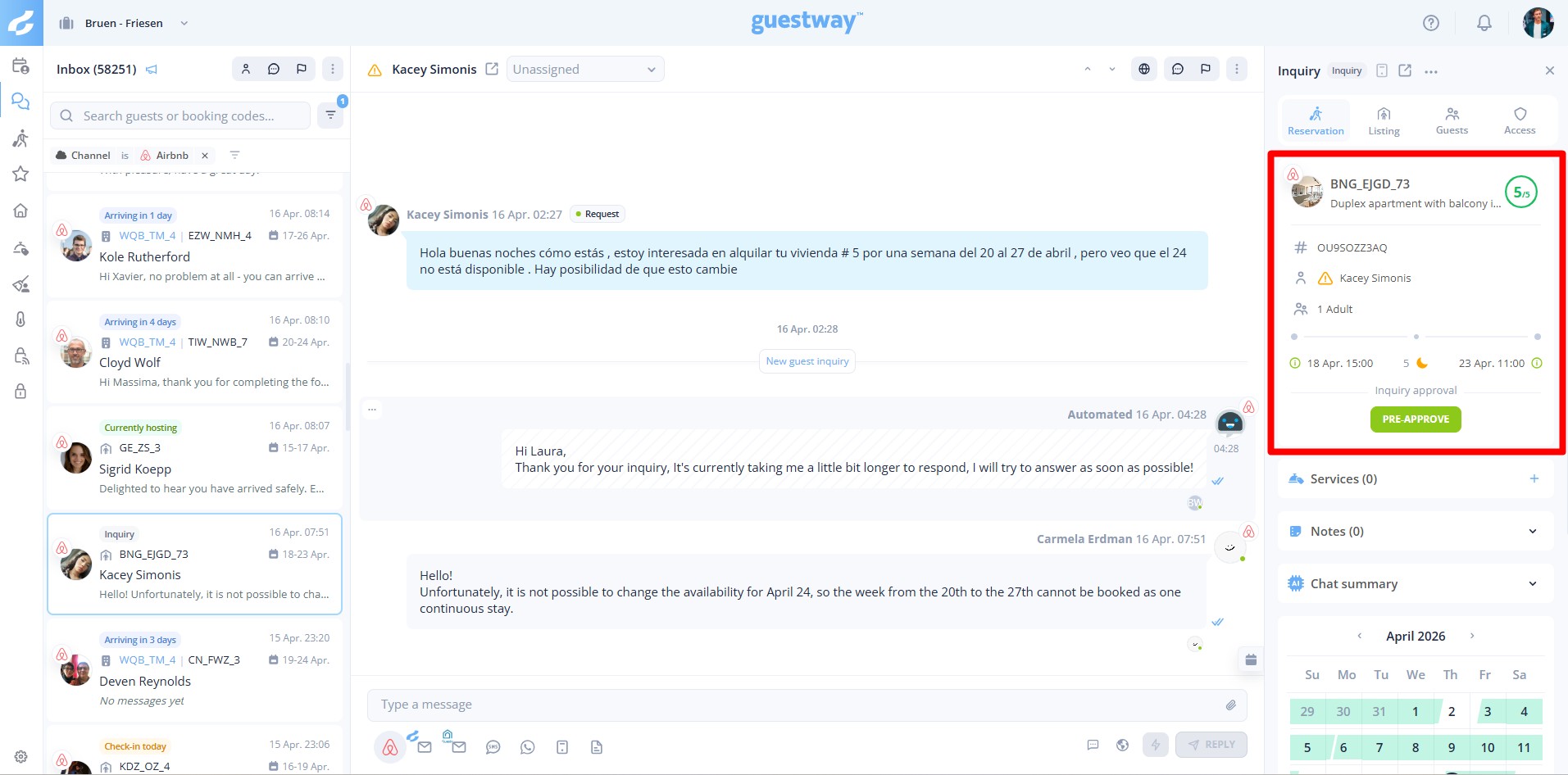
* Actions on reservations in the inbox: pre-approve an inquiry, approve or decline a booking request, approve or decline a change that the guest asks for, propose a change to the guest, and cancel a reservation as the host.
Each Airbnb account is its own integration, so a business with one account per brand or region connects each one. Connecting or removing one does not change the others.
### Expedia
Expedia lets each property give Guestway access to its messages and to its reviews separately. A property can connect messages only, reviews only, or both. Guestway checks which access each property gave, and brings in only what Expedia allows.
Expedia sends the reviews of a property to one provider only. When you give Guestway access to your Expedia reviews, your PMS can no longer receive them from Expedia. Guestway then creates each Expedia review in the review center itself, also when your PMS sends your Expedia reservations to Guestway. In Guestway you can reply to Expedia guest reviews, but not write host reviews.
The direct connection only goes live after Guestway support has checked and activated it.
### Booking.com by email
The guest messages appear in the inbox like any other conversation, and your replies reach the guest in the Booking.com chat. Nothing else changes: the reservations still come from your PMS.
## Related
* [How to connect Airbnb](https://docs.guestway.io/integrations/online-travel-agencies-ota/airbnb.md)
* [How to cancel an Airbnb reservation](https://docs.guestway.io/integrations/online-travel-agencies-ota/airbnb/how-to-cancel-an-airbnb-reservation.md)
* [How to propose a change to an Airbnb reservation](https://docs.guestway.io/integrations/online-travel-agencies-ota/airbnb/how-to-propose-a-change-to-an-airbnb-reservation.md)
* [How to connect Booking.com](https://docs.guestway.io/integrations/online-travel-agencies-ota/booking.com.md)
* [How to connect Expedia](https://docs.guestway.io/integrations/online-travel-agencies-ota/expedia.md)
* [How to reply to an Expedia review](https://docs.guestway.io/reviews-and-analytics/review-center/how-to-reply-to-an-expedia-review.md)
* [Review center](https://docs.guestway.io/reviews-and-analytics/review-center.md)
---
# Agent Instructions
This documentation is published with GitBook. GitBook is the documentation platform designed so that both humans and AI agents can read, navigate, and reason over technical content effectively. Learn more at gitbook.com.
## Querying This Documentation
If you need additional information that is not directly available in this page, you can query the documentation by asking a question.
Perform an HTTP GET request on the following URL with the `ask` and `goal` query parameters:
```
GET https://docs.guestway.io/integrations/online-travel-agencies-ota/about-ota-connections.md?ask=&goal=
```
`ask` is the immediate question: it should be specific, self-contained, and written in natural language.
`goal` is what the user is ultimately trying to achieve, the reason they need the answer. Sharing it helps GitBook give you a better, more relevant answer. A goal is most helpful when it describes the outcome the user wants rather than restating the question. For example, with `ask=how do I create an API token`, a goal like `automate deployments from our CI pipeline` lets GitBook tailor the answer to that use case.
The response will contain a direct answer to the question and relevant excerpts and sources from the documentation.
Use this mechanism when the answer is not explicitly present in the current page, you need clarification or additional context, or you want to retrieve related documentation sections.