How to create a saved reply
This guide shows you how to write a saved reply once and use it in the inbox, so common questions are answered in one click.
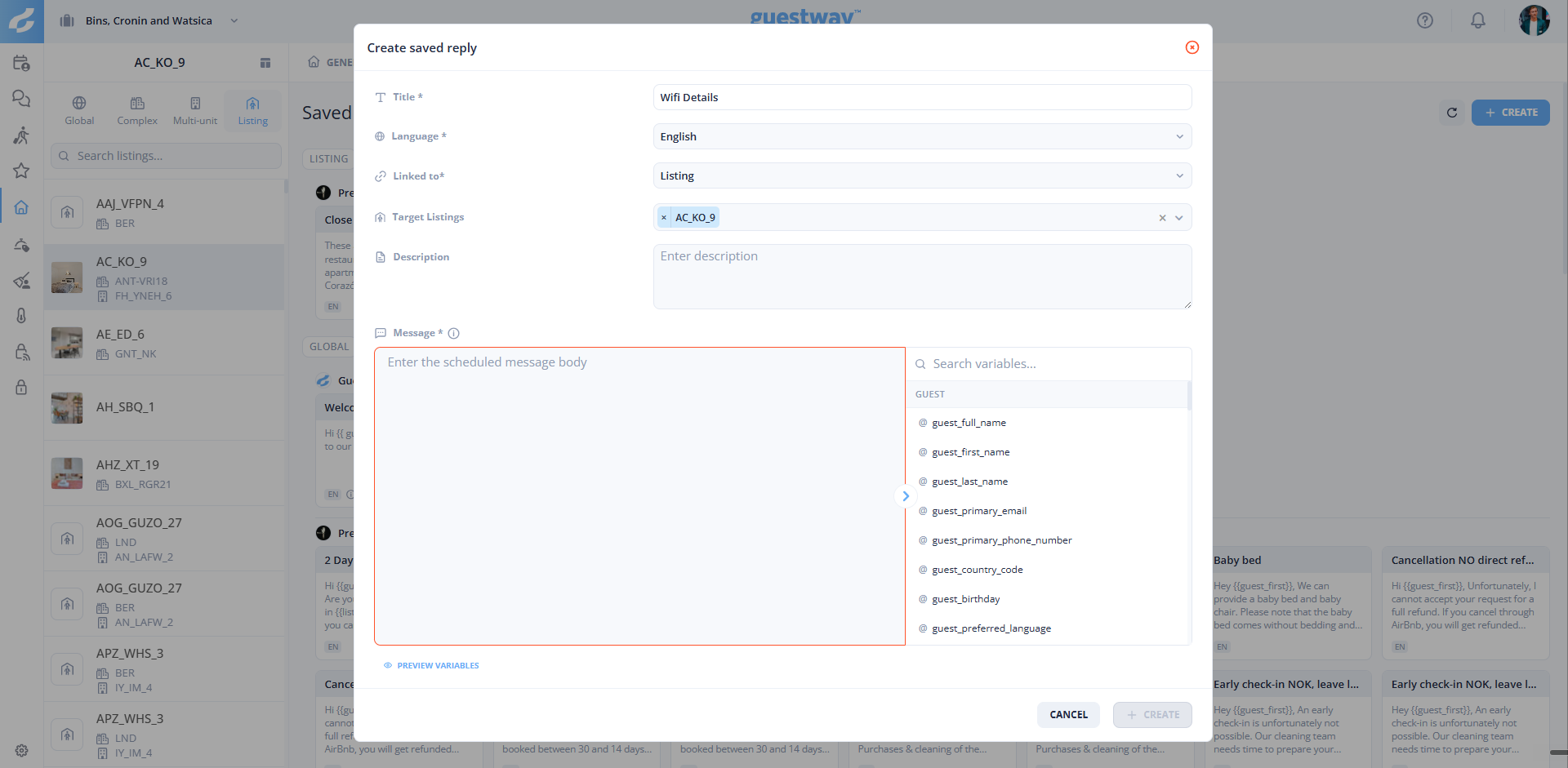

Write the Message. Type @ or pick a variable in the panel on the right to insert a placeholder, for example the guest's first name or the check-in date. Click Preview variables to check the result.
Use placeholders for everything that changes from one booking to the next. The reply stays personal, even when your team sends it many times a week.
A saved reply from your PMS can only be changed in the PMS. Guestway syncs the change.
Saved replies: all fields and types